
Tags (List View)
Package: BASIC
1. General
If Tags have been assigned to records within a module, these tagged records can be easily listed using a special search.
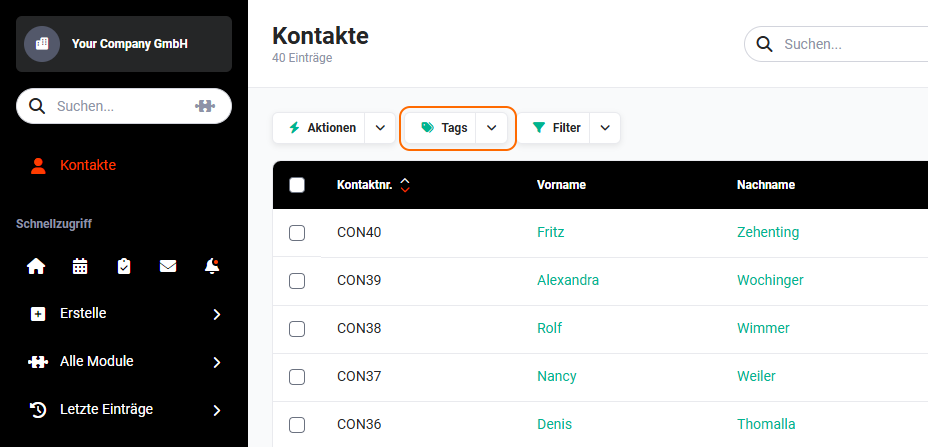 List view - action "Tags"
Note
The "Tags" icon is only displayed if at least one record in the module has a tag.
2. Searching for tags
After clicking the "Tags" icon, the tags in use - including the number of tagged records - are displayed in a small flyout menu:
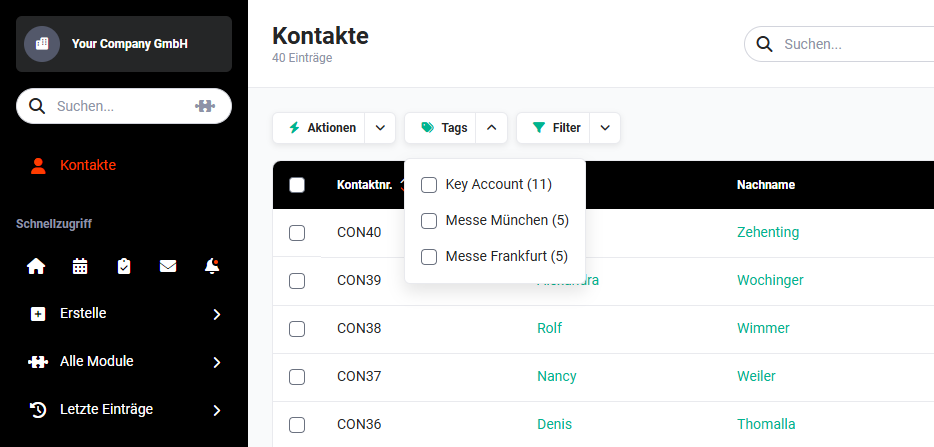 List view - flyout menu "Tags"
After clicking a tag, the list view is reloaded and only the records that have the selected tag are listed.
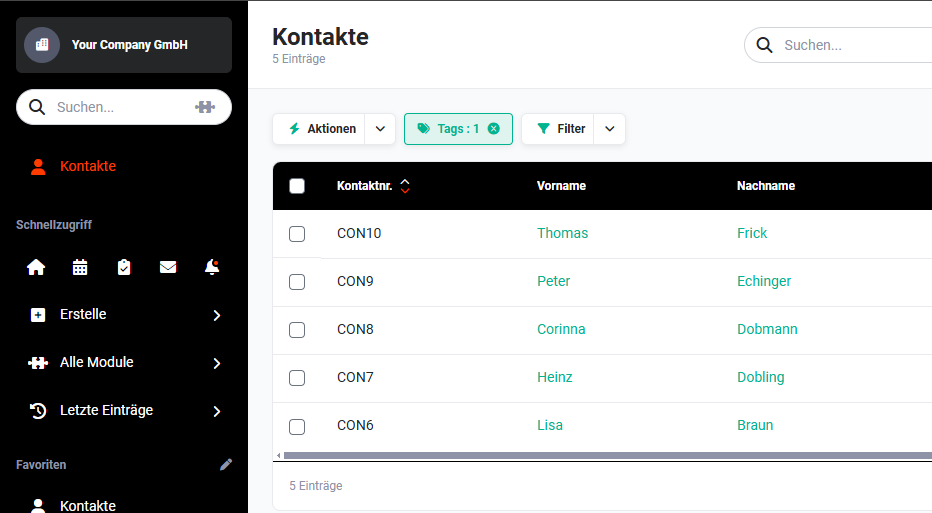 List view - filter "Tags"
By clicking the "Tags" button again, further tags can be selected for filtering.
To remove the filter based on tags, simply click "x" in the "Tags" button.