
All Modules
Package: BASIC
1. General
The modules can be accessed via the action link “All Modules” in the navigation bar.
2. Module Selection
The flyout menu – in which all modules are listed that a user is allowed to see based on the permission settings – opens by clicking the action link “All Modules”.
If a module name in the flyout menu is clicked, the corresponding module opens in the list view.
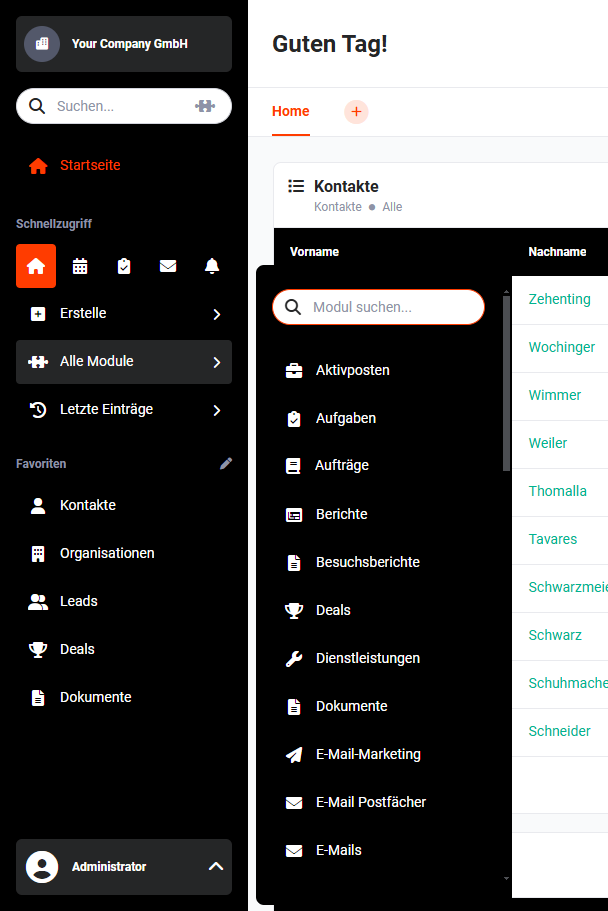 Navigation bar - All Modules
At the top of the flyout menu is the input field “Search module”, used to search for modules. The system starts searching for matches as soon as the first character is entered in the search field and displays them.
The number of matches decreases with each character entered. As a result, the results list is automatically adjusted.